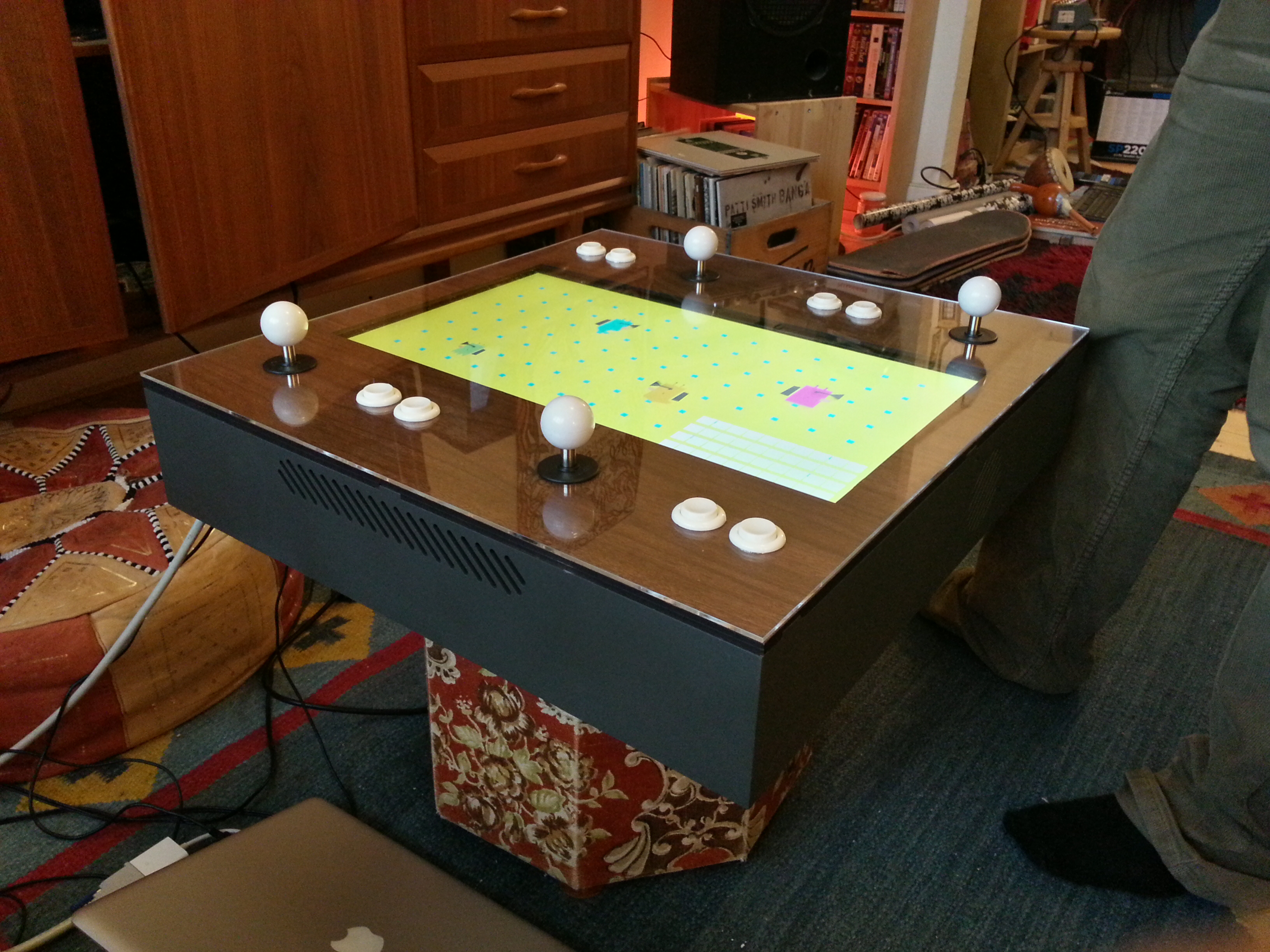
glorg is done


The first commit in my subversion repository for glorg was made the 19th of august last year. Back then it was little more than an experiment with random dungeon generation. In december when gamma announced it’s theme for this year I rejiggered the game to be played with one button. It’s come a long way since then, I’ve added more floors, more enemies and just made it plain better. All that stuff and still just one button.

Back when I was at GDC I met dannyB, he is the most amazing dude and as through some kind of spell he really liked the concept of the game. Deals were made, beers were consumed and thus glorg features four soothing melodies to bash enemies over the head to.

I also persuaded my good friend and partner in crime Jonas to do a cover for the game in the good old style of “cover unrelated to actual game”. I absolutely love this picture to bits.

Now begins the work of finding a sponsor, the game is up on Flash Game License or if  you so prefer, you can contact me directly by email.

Update Aug 27: It seems FGL’s approval queue is pretty backed up at the moment, this took me a bit by surprise,  sadly there’s not much more to do than wait. Sorry about that.

Update Aug 29: Added FGL link.

fast as a shark

So, I didn’t just talk at nomoresweden made a game too. A really bad one. It’s called fast as a shark, and you can play it below.

The whole game, save for some code I had lying around since earlier for the water was made between 1:46 and 1:59 in the timelapse (i’m the guy in the pink t-shirt).


Get Adobe Flash player

i don’t care about your input

A couple of weeks ago I went to the excellent indie gathering no more sweden. This year we didn’t only make games, we had talks too, so I figured I’d try and do one. It’s about 15 minutes long and features the first public preview of what glorg looks like nowadays. Enjoy!

There’s tons of more videos on youtube.

making enemies

glorg is still progressing nicely, this is a quick little timelapse i did this morning of me making an enemy.

circular game of life

Get Adobe Flash player

It’s time for more silly toys! I recreated this from memory of a thing I saw someone demo a at some conference I watched a live stream of. Right now both the author and conference escape me, but if I recall correctly, he i his turn based this of some research thing at IBM or something. That’s really not important. What is important is that this is cool.

In a way it’s like my personal favorite Conway’s Game of Life. But instead of a two dimensional grid, it’s (almost) one dimensional and directional.

Click any node in the circle to make it go. Use the spacebar to pause, the arrow keys to step backwards or forwards in time (some information is lost when going backwards) and Z to clear.

This past week the nordic game conference took place in Malmö, I’ve attended the past two years but decided to skip it this year. However, having a conference in town has benefits even if you’re not attending. I got to meet Petri, the boys from Rocket Pack, most of the Copenhagen Game Collective, Nifflas, Cactus, Mårten from Pieces Interactive, Daniel and Joel from Ludosity. And all it cost me was a whole week’s worth of productivity down the drain ;)

triangles

Last week I tried to make a game for the 10-second theme on experimentalgameplay.com.

This is what became of it.

The first few lines of code on this were written during my short stint at the indie art jam during gdc, back then it just drew colorful triangles all over the screen. However, the actual game I tried to make didn’t work at all, and I just ended up sitting and toying with it as a stupid drawing application for a good thirty minutes (incidentally about a quarter of this thing’s total development time).

So, I declared it a failure as a game (even though I still want to explore the, uh, spatial relations of triangles a bit more) and made it into a drawing app.

To draw you click a triangle and drag to one of it’s three neighbours, that will copy the color from the first one onto the second. Repeat as needed.

As an added feature it serializes the whole image into a string with every move you make and puts that in the url. This has two benefits, the bigger one being that you can easily send what your stuff to your friends, but it also makes your browsers back and forward buttons act as undo/redo. Here’s one I made.

It has two twitter buttons in the lower left, one to tweet your creation, the other one searches for other people’s posts tagged with the #triangles hashtag, making sharing a bit easier that it ever was with isotope3.

Here are some more amazing pieces of art:

fighting a short attention span

I’m easily distracted, or if I can elaborate, I’d rather say that I can get bored of stuff pretty quickly. This isn’t the best personality trait to have when you’re sitting in your office all by your lonesome with yourself as your boss.

So I decided to try and keep track of what I spend my time on, because I do have a conscience and I will undoubtedly feel bad about wasting my own time.

Keeping a time sheet quite possibly the most boring thing you can do, but fear not, there’s a program called Procrastitracker that does this exact thing for you (PC only). I first got to know about this sweet little app through hello games talk at the gdc.

It’s really simple and there’s virtually no setup, just keep it running in your taskbar and it’ll spy away on you.

This is my last five and a half days of work, yellow is surfing, blue is communication (im/email) and green is work. I’d say I spend roughly half my day surfing, and about a quarter of that is spent in small five minute increments on facebook. Embarrasing to say the least.

Procrastitracker

Hopefully this can shame me into hanging around facebook less and doing more actual work.

In other news, glorg is coming along nicely, albeit a bit slower than I’d hoped. I’ve been expanding the way of handling states I started with my last post and hooking that up to an animation system to visualize the states, now I can map animations to different states and do transitions and all kinds of sweet stuff.

battling the system

I’ve spent the day toying with a new way to do the battles in glorg. I wasn’t really happy with the way they worked in the version I submitted to gamma, but nor could I figure out a good way to make it more interesting.

So, somewhat inspired by Ben’s writeup on his devblog for Aztez I decided to figure out the different states the combatants could be in. This graph illustrates the original battle system:

States with an asterisk mean that the player can exit them when he wants to. So the only choice the player has here is  when to exit the idle state, leading into the attack. Then he has to wait for the post attack to finish before getting to the idle state again.

This means that any time spent in the idle state is time you could be making damage, so the best strategy is to bash the button like an idiot. While that is good fun for a minute or so, it quickly becomes pretty tedious, especially since there was no real way to be good at it.

Today I made this graph (along with a small test application) :

As you can see this is considerably more complicated. The player starts out as idle, being idle now also means blocking, something that wasn’t possible using the old system. So if you do nothing, you’re still reasonably safe.

Once the player presses the button we move into the charging state, this makes the character lower his guard, opening up for damage, but the longer he holds the button the more powerful his attack will be. Once he releases he goes into the pre-attack followed by the actual attack and then the post-attack. These phases are primarily for animation purposes, but they also affect how much damage you will take if hit during them.

If the player charges for too long or is hit during any of the non-blocking phases he will be dazed for a short time, leaving him open to attack.

The problem I am facing now is to illustrate all these states using animations. My battle prototype uses simple colors and it’s quite confusing at times, but hopefully it will all make sense once there’s a little monster flailing around a rabbit on a stick instead of a stupid box changing colors. As always.

freedom

The GDC is over and I’m taking a new step in life. I am taking a year of from work to do my own thing, and today is the first day. This feels both fantastic and terrifying all at once. Doing this I really do hope I can get some real work done on my games, I’ve got a bunch of ideas lined up I want to try out, but first I intend to try and finish up glorg.

GDC was just as amazing this year as last. I sort of want to make a long list of all the fantastic people I met, but I worry I will forget someone and it’ll look a bit too much like namedropping, so I’ll just stick to a “best-of”:

the geedeecee

I’m writing this as I sit on a far too long flight to San Francisco. I’m going there to attend the yearly Game Developers Conference, especially the indie summit. I’m making this trip for several reasons.

Firstly, I learned so much from the summit last year. Hearing people successfull in making a living of their love for making games is absolutely delightful. It’s also very inspiring in a quit-your-job sort of way.

Another reason I go is the excellent indie community, just the thought of meeting everyone has me all giddy with excitement. It’s perhaps only a bit unfortunate that this happens at an event with a minimum pricetag of $500, but, being a part of a larger conference certainly has it’s benefits.

My third reason is to celebrate. I’m taking a year of from work to do freelancing work and make some games. Exactly how much I’ll be doing of each still remains to be seen, freelancing is quite attractive as it’s a much safer livelihood than games atleast from the outset. But I’d be lying if I didn’t say that I at least hope to get two or three games done during this year.

If you too are in town for GDC (or the Flash Games Summit) please do drop me an email so we can meet up somewhere!